This box has its own scrollbar. Scroll inside to see the rest of the content — that is exactly the kind of element FireShot will capture top to bottom.
Why this matters
Modern apps put long lists, chat logs, and dashboards inside scrollable containers. A normal screenshot only grabs the visible window.
How it works
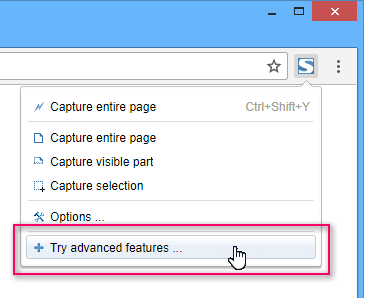
FireShot enters a special selection mode that highlights scrollable regions on the page. You hold Ctrl, click the region, and it stitches every scroll position into one image.
Supported formats
PNG (default), JPEG (smaller files), or PDF. Output goes straight to your Downloads folder or the editor.
Tip
If a region won't highlight, it's probably not scrollable — try its parent. If everything highlights, press Esc and try again.
End of sample content
You've reached the bottom. In a real capture, FireShot would have stitched all of this together into a single tall PNG.